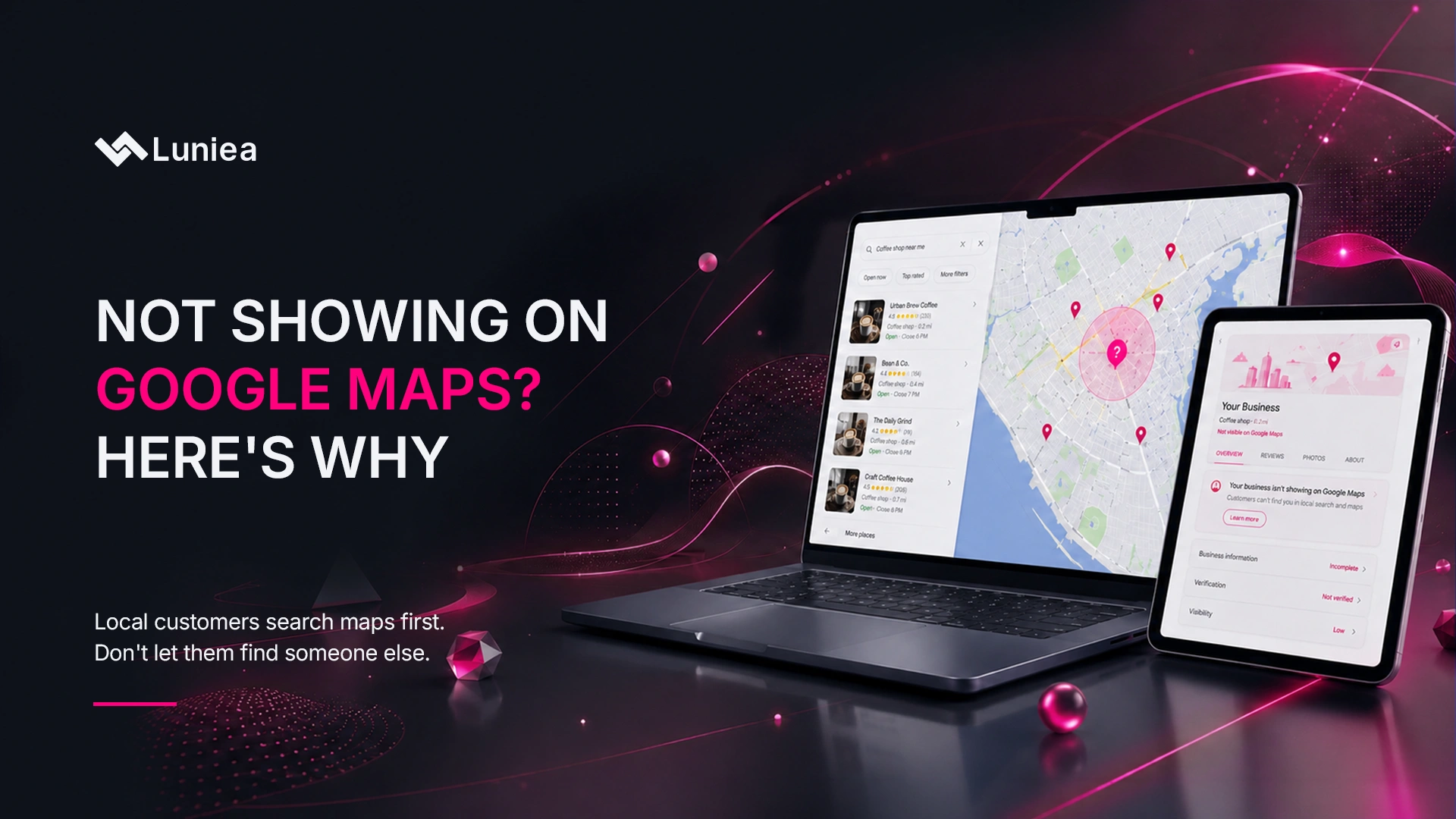
Not Showing on Google Maps? Here’s Why (And the Fix)
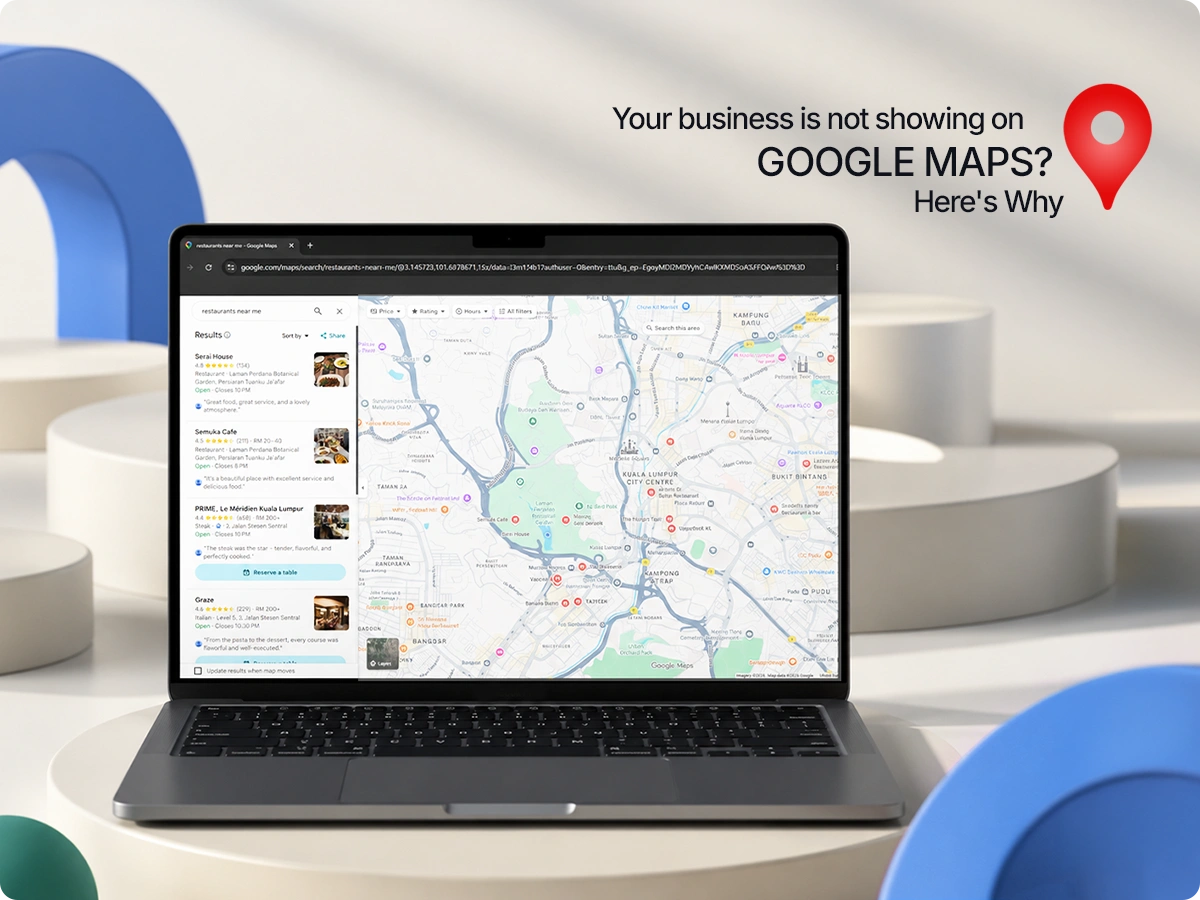
Someone searches for exactly what you offer, in your city, right now and your business doesn’t show up. Your competitor’s does. If this keeps happening, it’s not bad luck. It’s almost always one of a handful of fixable issues with your Google Business Profile.
Google Maps now has over 2 billion monthly users, and Google itself confirms local rankings mainly come down to three factors: relevance, distance, and popularity, with complete, accurate profiles ranking far better than incomplete ones. The good news is two of those three factors are within your control. This guide walks through the most common reasons local businesses disappear from Google Maps, how Google actually decides who shows up, and the exact steps to get your business visible again.
Table of Contents
How Google Decides Who Shows Up on Maps
Before troubleshooting, it helps to understand what Google is actually evaluating. According to Google’s own Business Profile documentation, local results are based primarily on three factors: relevance, distance, and prominence.
- Relevance – how well your profile matches what someone is searching for.
- Distance – how far your business is from the person searching, or from the location they specified.
- Prominence – how well-known and trusted your business is, based on signals like reviews, citations, and links.
Most “not showing up” problems trace back to a breakdown in one of these three areas, or to a more basic issue: Google doesn’t trust that your listing is legitimate yet. Let’s go through each cause.
Reason 1: Your Profile Isn’t Verified
This is the most common reason, and the first thing to check. An unverified Google Business Profile has little to no visibility, Google won’t confidently show your business to searchers until it confirms the business is real and located where you say it is.
How to check: Log into your Google Business Profile dashboard. If you see a “Verify now” prompt, your profile isn’t verified yet.
The fix:
- Complete verification through phone, email, video, or postcard (depending on what’s available for your business type and location)
- If you’re waiting on a postcard, it can take up to two weeks to arrive
- Once verified, allow 24–72 hours for visibility to update across Maps and Search
“Only verified businesses can show their business info on Maps and Search, per Google’s verification requirements.”
Reason 2: Your Profile Has Been Suspended
If your listing was visible before and then disappeared, a suspension is one of the likely causes. Google suspends profiles that violate its guidelines common triggers include:
- Keyword-stuffed business names (e.g., “Joe’s Plumbing Best Emergency Plumber in [City]”)
- Using a P.O. box or virtual office as your address when you don’t meet eligibility requirements
- Operating outside the categories your business is actually eligible for
- Being flagged by a competitor or repeated user reports
The fix:
- Check your Business Profile dashboard for a suspension notice
- Identify and correct the violation (most often the business name or address)
- Submit a reinstatement request with supporting documentation business license, signage photos, utility bills, or other proof of legitimacy
Reinstatement isn’t instant. Depending on the complexity of the case, it can take anywhere from a few days to several weeks.
Reason 3: Inconsistent Business Info (NAP Issues)
NAP stands for Name, Address, Phone number. When this information differs across your website, social profiles, and online directories, Google has a harder time confirming your business is legitimate and may reduce your visibility as a result.
Common NAP problems:
- Your phone number on Yelp doesn’t match the one on your website
- Your business name includes “LLC” in one place but not another
- Your address is abbreviated differently across listings (“St.” vs. “Street”)
The fix: Audit your listing across major directories (Yelp, Facebook, Apple Maps, Bing Places, industry-specific directories) and make sure your NAP matches exactly everywhere, including on your own website.
Reason 4: Wrong or Mismatched Business Category
Even a fully verified, complete profile won’t show up for relevant searches if your primary category doesn’t match what people are actually searching for. A general “Contractor” category, for example, won’t surface your listing as reliably as a specific category like “Roofing Contractor.”
The fix:
- Choose the most specific primary category available that accurately describes your core business
- Add relevant secondary categories, but don’t overload your profile with categories that dilute relevance
- Avoid choosing a category just because it seems popular it has to genuinely match what you do
Reason 5: Incomplete or Outdated Profile
Google favors complete, accurate, and current profiles. A listing with missing hours, no photos, an outdated description, or no listed services gives Google less to work with and less reason to trust your listing over a competitor’s.
What “complete” should include:
- Accurate business hours, including holiday hours
- A clear, keyword-natural business description
- A full list of services or products
- Recent photos (interior, exterior, team, work samples)
- Your website link and appointment/booking link, if applicable
Profiles also drift out of date on their own hours change, services expand, photos age. Treat this as ongoing maintenance, not a one-time setup task.
Reason 6: Too Few (or No Recent) Reviews
Reviews are one of the strongest prominence signals Google uses. A competitor with 85 recent reviews will often outrank a business with 12, even if both have complete profiles.
The fix:
- Ask every satisfied customer for a review, automate this with a follow-up text or email after service
- Respond to all reviews, positive and negative; engagement itself is a trust signal
- Prioritize recency as well as volume, a steady trickle of new reviews outperforms a pile of old ones
Reason 7: Duplicate Listings
If your business has more than one listing, often created accidentally when a profile is recreated after a move, rebrand, or change in management, Google can split your reviews and signals across both, weakening each one and confusing which listing should rank.
The fix:
- Search your business name and address in Google Maps to check for duplicates
- Claim and merge or remove duplicate listings through your Business Profile dashboard
Reason 8: Service-Area or Address Setup Issues
If you’re a service-area business (plumbers, electricians, mobile services, etc.) rather than a storefront, your address and service-area settings need to be configured correctly.
- If you don’t serve customers at your business address, you should generally hide that address and rely on service-area settings instead
- Defining a service area that’s unrealistically large can actually hurt your visibility within your strongest, most local area
- Brick-and-mortar businesses need an accurate, correctly pinned address, a mislocated map pin can quietly tank visibility
Reason 9: You’re Simply Too Far From the Searcher
Sometimes there’s nothing wrong with your profile, the searcher is just outside the radius where your business is likely to appear. Google heavily weights distance, and unless your relevance or prominence is strong enough to outweigh it, closer competitors will typically win that search.
This is expected behavior, not a bug. For businesses serving a wide area, the fix isn’t to “trick” the algorithm, it’s to build location-specific relevance (service-area pages on your website, localized content) to compete more effectively across that wider area.
Reason 10: Strong Local Competition
In dense markets, dozens of competitors may be actively optimizing their profiles, earning reviews, and building citations. If your prominence and relevance signals are weaker than theirs, you’ll be outranked even with a fully complete profile.
This is where ongoing local SEO work compounds, strengthening reviews, citations, and website relevance over time is what separates businesses that break into competitive map packs from those that stay stuck below the fold.
Quick Diagnostic Checklist
Work through this in order most issues are found within the first few steps:
| Step | What to Check |
| 1 | Search your business name in an incognito/signed-out browser |
| 2 | Confirm verification status in your Business Profile dashboard |
| 3 | Check for a suspension notice or policy warning |
| 4 | Confirm your primary category matches your core service |
| 5 | Check NAP consistency across your top 10 directories |
| 6 | Review count and recency compared to top 3 competitors |
| 7 | Search your business name + address for duplicate listings |
| 8 | Confirm address/service-area settings match your business type |
How Long Does It Take to Reappear on Maps?
This depends entirely on which issue you’re fixing:
- Verification fixes: Usually 24-72 hours after completing verification
- NAP or profile completeness fixes: Often a few days to a couple of weeks, as Google recrawls and reprocesses your information
- Suspension reinstatement: A few days to several weeks, depending on the complexity of the appeal
- Review and prominence growth: Weeks to months, this builds gradually, not instantly
If you’ve fixed the obvious issues and still aren’t seeing movement after a few weeks, it’s worth a deeper SEO audit to rule out underlying technical or competitive factors.
Struggling to Get Your Business Visible on Google Maps?
Diagnosing a Maps visibility issue usually isn’t a mystery, but it does take knowing exactly where to look. If you’ve checked the basics and you’re still invisible to local searches, our team can audit your profile, your citations, and your local competition to find out exactly what’s holding you back.
Book a Strategy Session and we’ll show you exactly what’s keeping your business off the map, and what it takes to fix it.
FAQs: Business Not Showing on Google Maps
Why did my business suddenly disappear from Google Maps?
A sudden disappearance, after previously showing up, usually points to a suspension, a guideline violation (like an edited business name), or a major recent change to your address or category that’s still being reprocessed by Google.
How long does it take for a new Google Business Profile to show up on Maps?
After verification, most profiles become visible within 24-72 hours, though full visibility for competitive searches can take several weeks as Google builds trust and prominence signals.
Does my website affect whether I show up on Google Maps?
Yes. Your website reinforces your Business Profile. If your site doesn’t clearly mention your services and location, or if it’s slow and poorly structured, it can weaken the relevance and prominence signals tied to your listing.
Can too few reviews really keep me out of the map pack?
Yes. Reviews are one of the clearest prominence signals Google uses. A competitor with significantly more recent, positive reviews will often outrank a business with a thin review profile, even if both profiles are otherwise complete.
What’s the fastest fix if my business isn’t showing up at all?
Check verification status first. An unverified profile has little to no visibility, and it’s usually the single biggest blocker and the fastest one to resolve.
Should I hide my business address if I’m a service-area business?
If you don’t serve customers at your physical address, yes hiding it and relying on your defined service area is generally the correct setup and helps avoid confusing both customers and Google’s local algorithm.
Not sure which of these issues applies to your business? Contact Luniea Today and we’ll take a look at your profile together.