
/
CRM Integration Services in Raleigh

CRM Integration Services in Raleigh, NC

Luniea provides CRM integration services for businesses in Raleigh and across the Triangle. We connect websites, sales tools, and business systems around defined workflows, helping your team capture inquiries, maintain useful customer records, and reduce repetitive data entry.
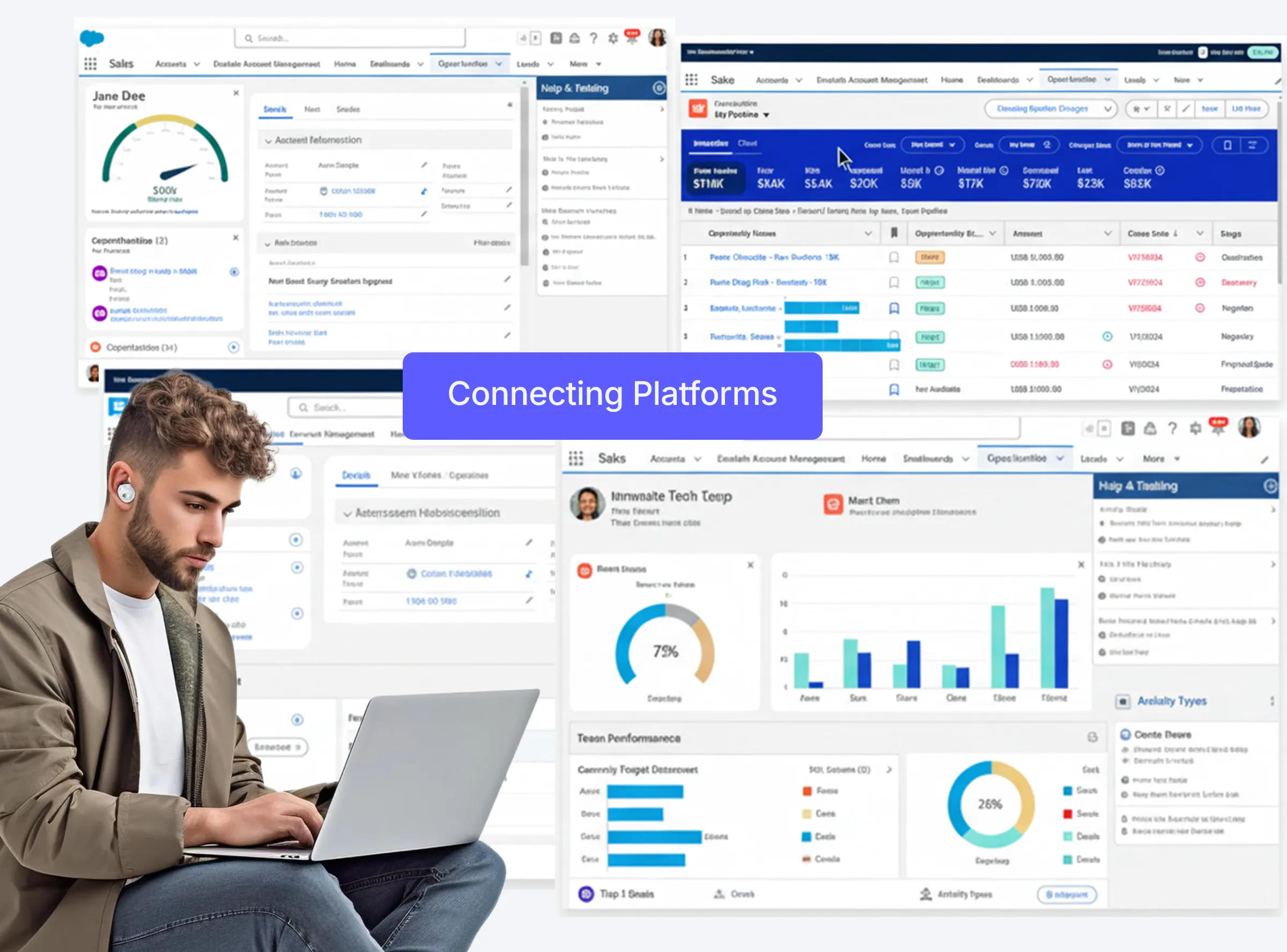
CRM integration services in Raleigh connecting websites, sales platforms, and business systems
Why Businesses Need CRM & Automation

Less repeated entry. A clearer path from inquiry to follow-up.

When customer details sit in separate tools, teams can lose time copying information and checking which record is current. Website CRM integration connects agreed information at the points where your team needs it. We define what should move, which system owns each field, and what happens when a transfer fails.
CRM Platforms​

Connect the CRM your team uses.

We review your CRM, connected tools, subscription plans, and available integration options before confirming the scope. The work may use a supported connector or an API, depending on the requirements. We check what data can move, in which direction, and how updates, duplicates, and failed transfers should be handled.

Supported connections depend on the platform edition, available APIs or connectors, and the access your business can provide. We confirm these requirements before committing to an integration.
Compatibility depends on the platform edition, available interfaces, permissions, and workflow requirements. Airtable may serve as a supporting database or custom workspace rather than a traditional CRM.
Business Systems

Connect the tools involved in your customer workflow.

Business system integration should follow a clear operational need. We identify where customer, order, appointment, or task information needs to move, then confirm which connections are practical before development.

Website Forms & Lead Capture

  • Zapier
  • Make (Integromat)

  • Send agreed inquiry details from website forms to the right contact record or sales queue. Define required fields, source information, routing, and duplicate checks so your team receives useful information for follow-up.

    Email Marketing Platforms

  • Mailchimp
  • ActiveCampaign
  • SendGrid

  • Connect approved customer fields and subscription preferences with your email platform. We define which records should synchronize, how preferences are handled, and which events may trigger a message or audience update.

    E-Commerce & Order Systems

  • Amazon Marketplace
  • Shopify
  • WooCommerce

  • Connect relevant customer and order information where the platforms support it. The scope defines how purchases, updates, cancellations, and refunds affect connected records, helping teams understand the customer’s activity without unnecessary data duplication.

    Business Operations & Accounting

  • Odoo ERP
  • Inventory management systems
  • POS systems
  • Accounting systems (QuickBooks / Xero)

  • Connect agreed customer, order, stock, or accounting information with the systems your team uses. We define which records move, which system controls each field, and how updates or failed transfers are handled.

    Project & Task Management

  • Google Workspace
  • Slack integrations

  • Turn agreed sales or customer events into tasks and handoffs. Define ownership, deadlines, required information, and completion conditions so the next team member knows what action is needed.

    Automation

    Automate the handoffs your team repeats.

    Workflow automation starts with a defined trigger, a useful action, and a clear owner. We map the conditions and exceptions before building, including what should happen when information is missing or a connected service is unavailable. Synchronization timing depends on the tools and agreed setup.

    Lead Capture to CRM Pipeline

    Send eligible website inquiries to the agreed CRM pipeline or owner. Field mapping, required information, and routing rules help distinguish a new sales inquiry from other submissions, with failed transfers flagged for review.

    Contact Updates & Duplicate Handling

    Match incoming details against agreed identifiers before creating or updating a contact. Define which fields can change and how conflicting information is handled, helping reduce duplicate records and accidental overwrites.

    CRM & Email Marketing Workflows

    Use approved CRM events or fields to update email audiences and trigger relevant messages where supported. Subscription preferences, exclusions, and stop conditions are included in the workflow so messages follow the agreed customer journey.

    Sales Pipeline Automation

    Create tasks, reminders, or stage updates when defined conditions are met. Keep human review where judgment is needed, and document the rules so your team understands why an opportunity changed or a follow-up was assigned.

    Customer Onboarding Workflows

    Start agreed onboarding steps after a confirmed customer event. This can include welcome messages, internal tasks, resource delivery, or handoffs, with timing and ownership defined so staff can review progress and handle exceptions.

    Internal Team Notifications

    Notify the appropriate person when an inquiry arrives or a defined customer event occurs. We agree on the channel, information included, and escalation conditions so alerts help staff respond without creating unnecessary notification volume.

    Task and Workflow Automation

    Assign routine work from agreed triggers, with clear owners and completion conditions. We identify where automation saves effort and where staff approval remains useful, then test the workflow against common scenarios and exceptions.

    Why Luniea

    Clear rules, tested connections, and a practical handover.

    A connection is useful only when the right information reaches the right place and your team knows how to respond when something goes wrong. We plan data ownership, workflow rules, access, testing, and support responsibilities alongside the integration itself.

    Requirements before connections

    We agree on the operational problem, required fields, and intended outcome before choosing an integration method. That helps avoid connecting tools without a clear purpose.

    Data rules made explicit

    Field mapping, duplicate checks, and update direction are documented. Your team can see which system owns important information and how changes affect connected records.

    Exceptions included in testing

    Testing covers the agreed normal workflow and relevant failure scenarios. Missing fields, duplicate submissions, and unavailable services need a defined response, not an assumption that every transfer succeeds.

    A handover your team can use

    We explain the workflow, account responsibilities, monitoring, and support arrangements. The handover identifies what staff can manage and when technical help may be needed.
    CRM & System Integration
    Process

    Plan the workflow before building the connection.

    We review the tools, data, and people involved, then define a manageable integration scope. Mapping, development, testing, rollout, and handover follow that plan.

    A CRM creates greater value when it connects with the digital systems that generate and use customer data. Integrate it with professional website design, connect customer and order workflows through e-commerce development, or include it within a broader small-business growth strategy.

    1.

    Review the workflow

    We discuss where information originates, who uses it, and which repeated tasks cause problems. Current tools and sample scenarios help define the work the integration needs to support.

    2.

    Check platform access

    We review supported connectors or APIs, account permissions, subscription requirements, and relevant limits. This establishes what can be connected and identifies dependencies before the scope is confirmed.

    3.

    Map the data and rules

    We define fields, identifiers, update direction, duplicate handling, and workflow conditions. Where migration is included, we also agree on the records to transfer and how accuracy will be checked.

    4.

    Build the integration

    We configure or develop the agreed connections and automations. Access arrangements, exception handling, and monitoring are included according to the project’s requirements.

    5.

    Test and roll out

    We test representative records and agreed scenarios, review the results with your team, and plan the rollout. Any cutover or downtime requirements are communicated before changes affect daily work.

    6.

    Document and hand over

    We explain how the workflow operates, how to recognize a problem, and who handles support. Documentation records the agreed connections, responsibilities, and maintenance requirements.

    CRM Integration Case Studies

    Connected Systems Built Around Real Workflows

    Explore selected projects showing how CRM planning, system connections, structured data, workflow automation, and careful testing can support more organized customer and operational processes.


    Insights

    CRM Integration Services in Raleigh Insights

    Practical guidance on lead capture, customer records, follow-up workflows, and measuring the actions that matter to your business.
    A little more clarity

    CRM & System Integration FAQs

    Find clear answers about compatible systems, data migration, project costs, implementation timelines, testing, and access requirements.

    What do your CRM integration services include?

    The scope can include workflow planning, field mapping, website connections, data synchronization, automation, testing, and handover. Migration or ongoing support may also be included where agreed. Your proposal should identify the systems, records, actions, responsibilities, and exclusions so your team understands what the integration will do.
    We review the specific platforms, account editions, available connectors or APIs, and required permissions before confirming compatibility. The page lists several CRM options, but the possible workflow varies by system. Tell us which tools you use and what information needs to move so we can assess the connection.
    Yes, where the website and CRM provide a suitable integration method. We define which submissions should create or update records, map the fields, and agree on routing and duplicate handling. Testing should confirm that the correct information arrives and that failed submissions have a clear follow-up process.
    CRM data migration can be included after reviewing the source records, destination fields, and data quality. The plan should define what will transfer, what needs cleaning, and how results will be checked. Test imports and a recovery approach should be considered before the final transfer.
    We can configure agreed routing rules, tasks, reminders, or supported messages around defined events. For example, a qualified inquiry might be assigned to a particular owner and create a follow-up task. The workflow should include exceptions and stop conditions, with staff review where judgment is required.
    The rollout plan depends on the systems and changes involved. We identify dependencies and any expected downtime or cutover requirements before implementation. Testing and a staged rollout may reduce disruption where practical. Your team should know when changes will happen and how to report problems during the transition.
    We test the agreed workflow with representative records and relevant scenarios. Checks can include field mapping, duplicate handling, updates, permissions, notifications, and failed transfers. Your team reviews whether the results match its operational requirements before the integration is accepted for rollout.
    We agree on the permissions needed for the project and use supported access methods where available. Account ownership, credential handling, and access removal should be clear before work begins. The integration should receive the access it needs for its defined purpose, with responsibilities documented at handover.
    The proposal should specify the handover and training included. A useful handover explains what the integration does, which accounts it depends on, how to identify a failed workflow, and whom to contact for support. Staff should also understand which changes they can make without affecting connected systems.
    They depend on the systems involved, integration method, data quality, number of workflows, testing requirements, and rollout complexity. We review those factors before proposing a scope. Platform subscriptions, third-party connector fees, migration work, and ongoing support should be identified separately where applicable.
    Serving the Research Triangle

    CRM Integration Across Raleigh and the Research Triangle

    Luniea supports businesses in Raleigh, Cary, Apex, Durham, Morrisville, Chapel Hill, Holly Springs, and Fuquay-Varina. We plan integrations around your team’s tools and workflows, whether you need a single website connection or a broader set of customer-data handoffs.
    01
    North Carolina
    02
    North Carolina
    03
    North Carolina
    04
    North Carolina
    05
    North Carolina
    06
    North Carolina
    07
    North Carolina
    08
    North Carolina
    Initial session, no obligation

    Let’s connect the parts of your workflow that slow you down.

    Tell us which tools you use, where information gets copied or lost, and what your team needs to happen next. We’ll discuss the workflow, platform requirements, and a practical starting scope.

    Free Strategy Session

    Review your current tools, repeated tasks, and customer-data handoffs.

    Tailored Recommendation

    Get a practical starting point for an integration or automation project.

    Select a Date & Time

    Choose a day that works best for you.

    Your information is secure and never shared.

    No Commitment • Free Consultation